A run sheet for drivers
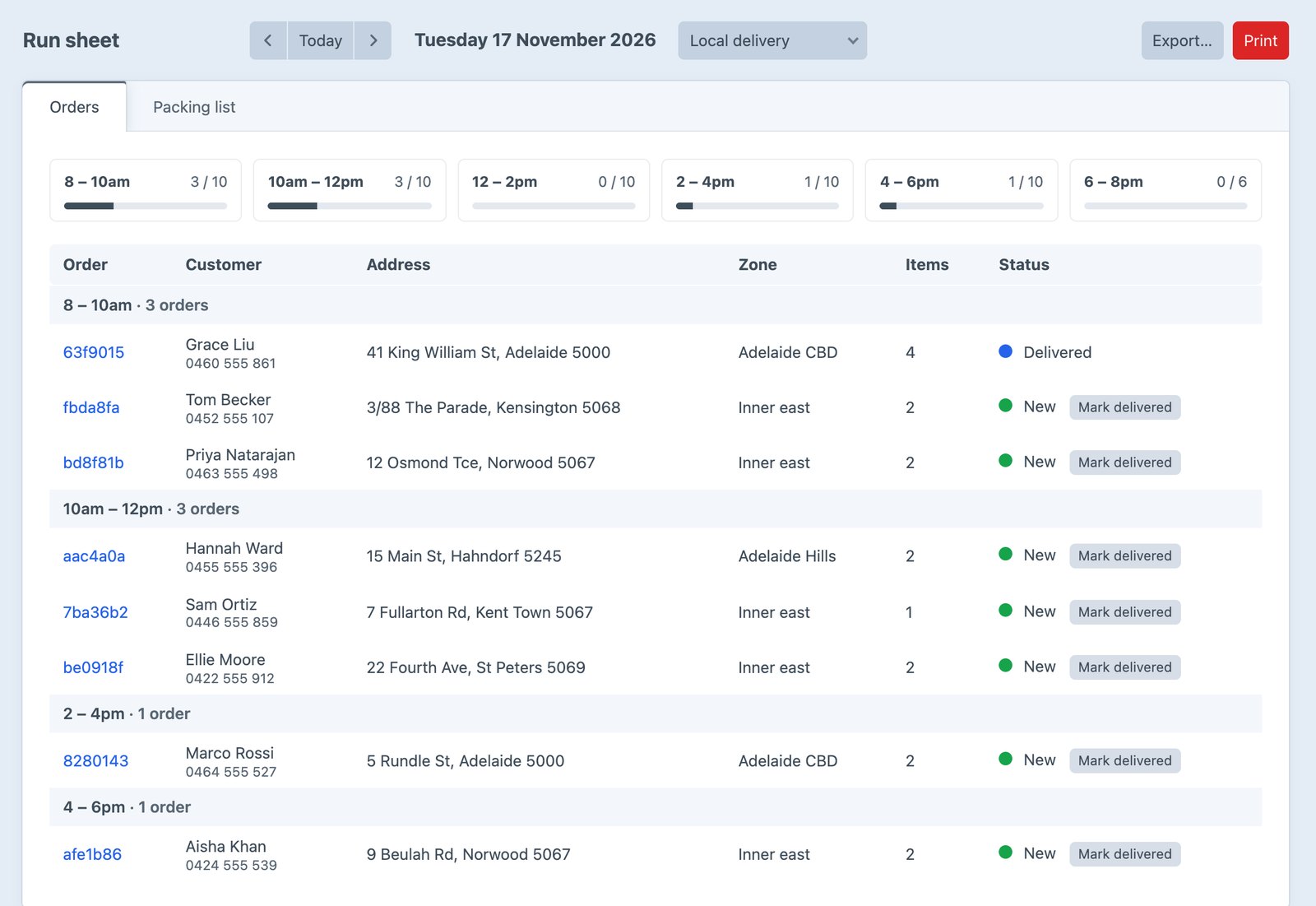
Each day’s orders by slot, zone and suburb, with phone numbers. Print a page per slot, and mark orders delivered.
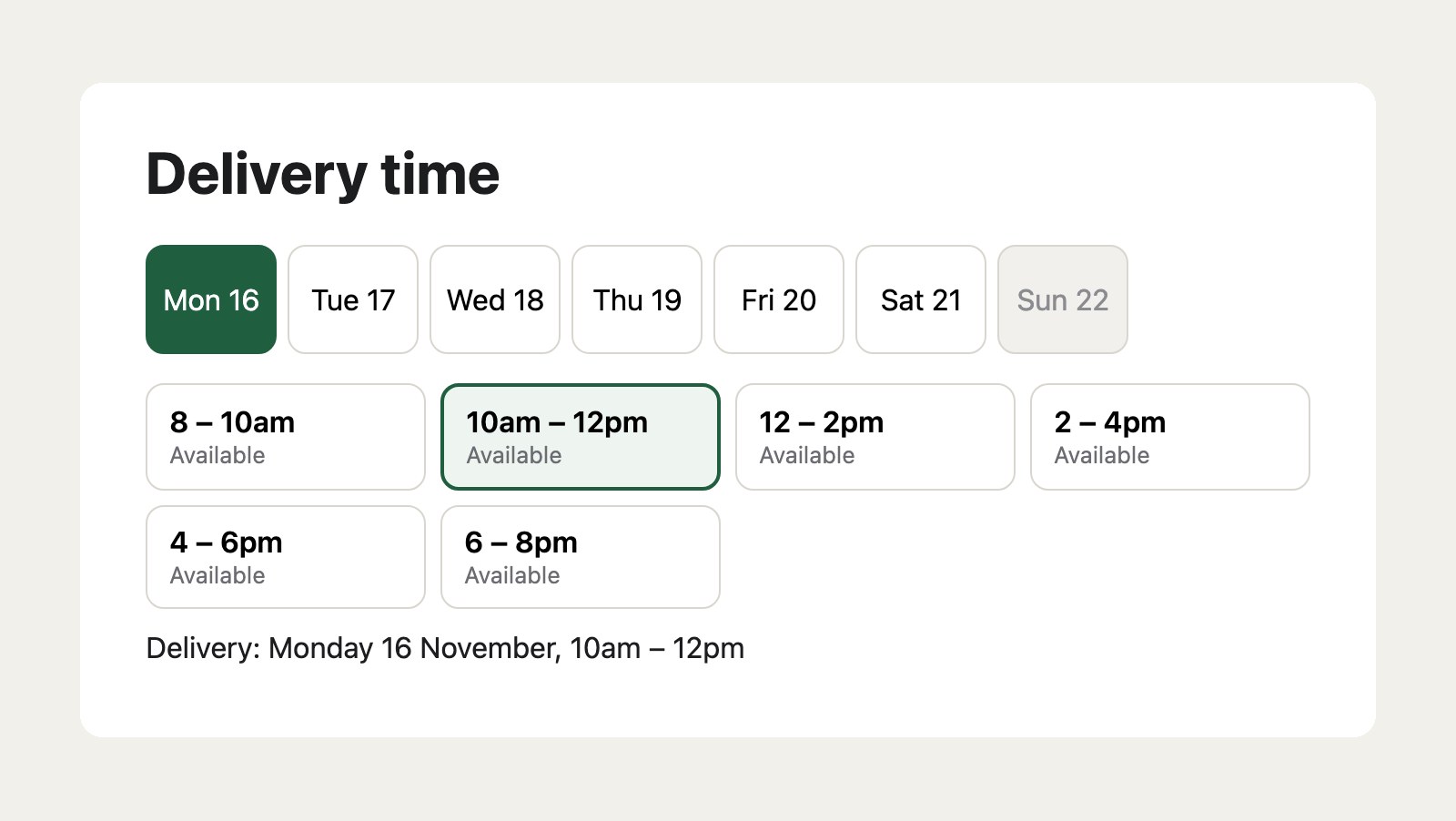
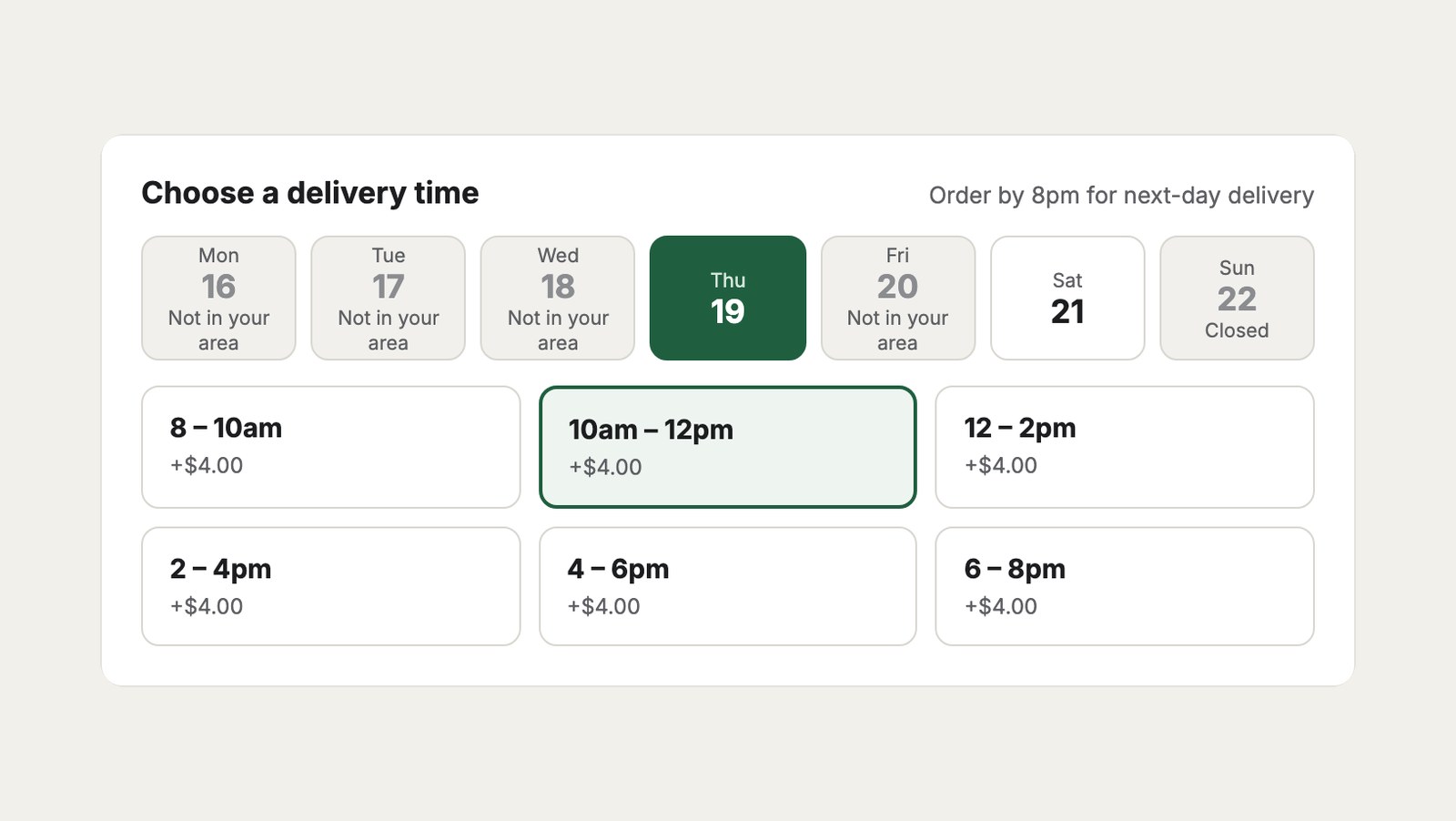
Customers choose when their order arrives, or when to collect it. You set the windows, how many orders each takes, and when ordering closes. Try it below as a customer.
Order summary
{{ cart.deliverySlot.label }}
→ Tuesday 17 November, 10am – 12pm{# Local delivery's schedule #}
cutoff:
leadHours:
sameDay: Today, Monday 1 of 6 open
Tomorrow, Tuesday 6 of 6 open
Each day’s orders by slot, zone and suburb, with phone numbers. Print a page per slot, and mark orders delivered.
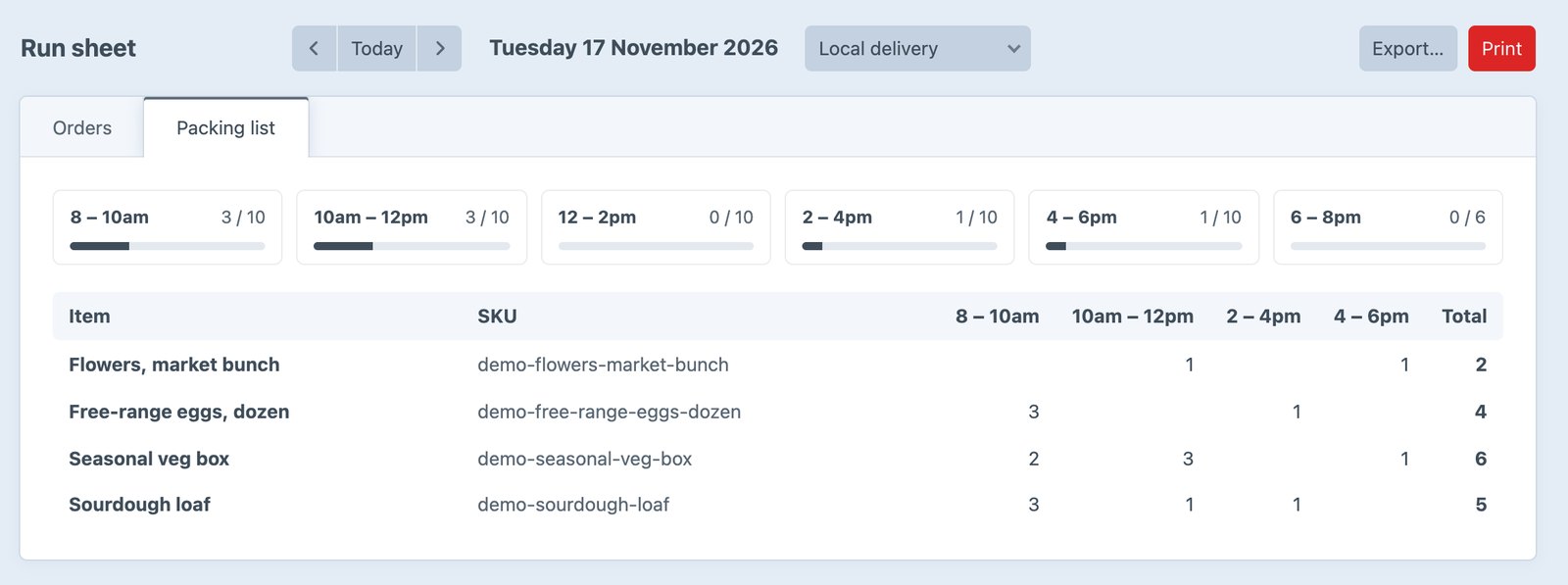
How many of each item for the day, by slot. Six veg boxes, five loaves, two bunches of flowers.
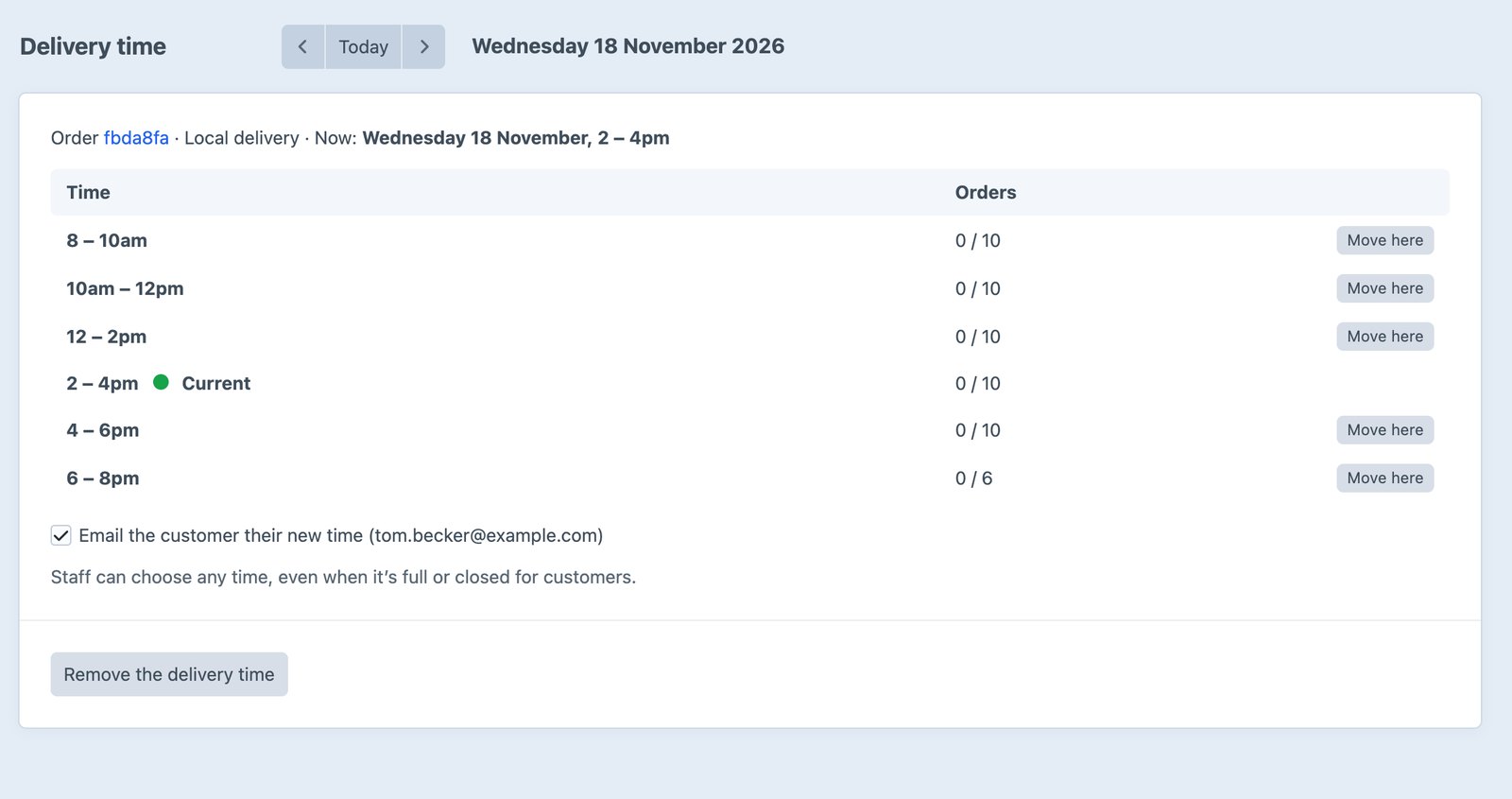
A customer rings to change their time. Pick the new one from the order page, even if it’s full, and they’re emailed it.
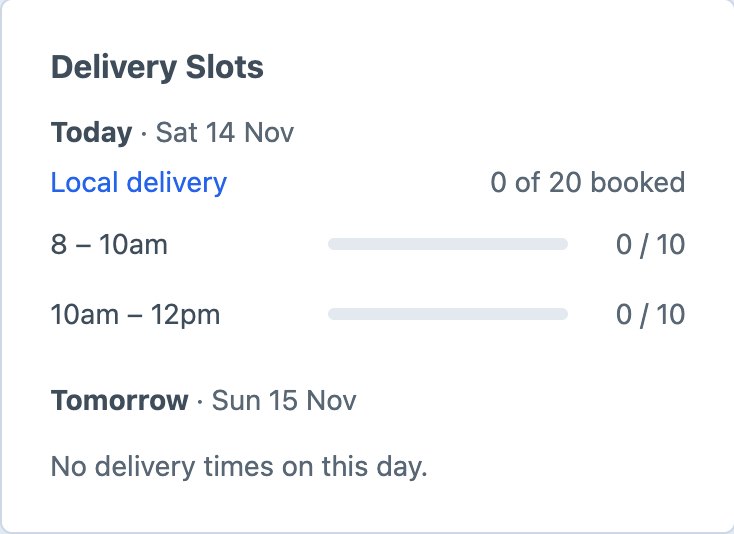
A dashboard widget for today and tomorrow, and a delivery date filter on Commerce’s orders.
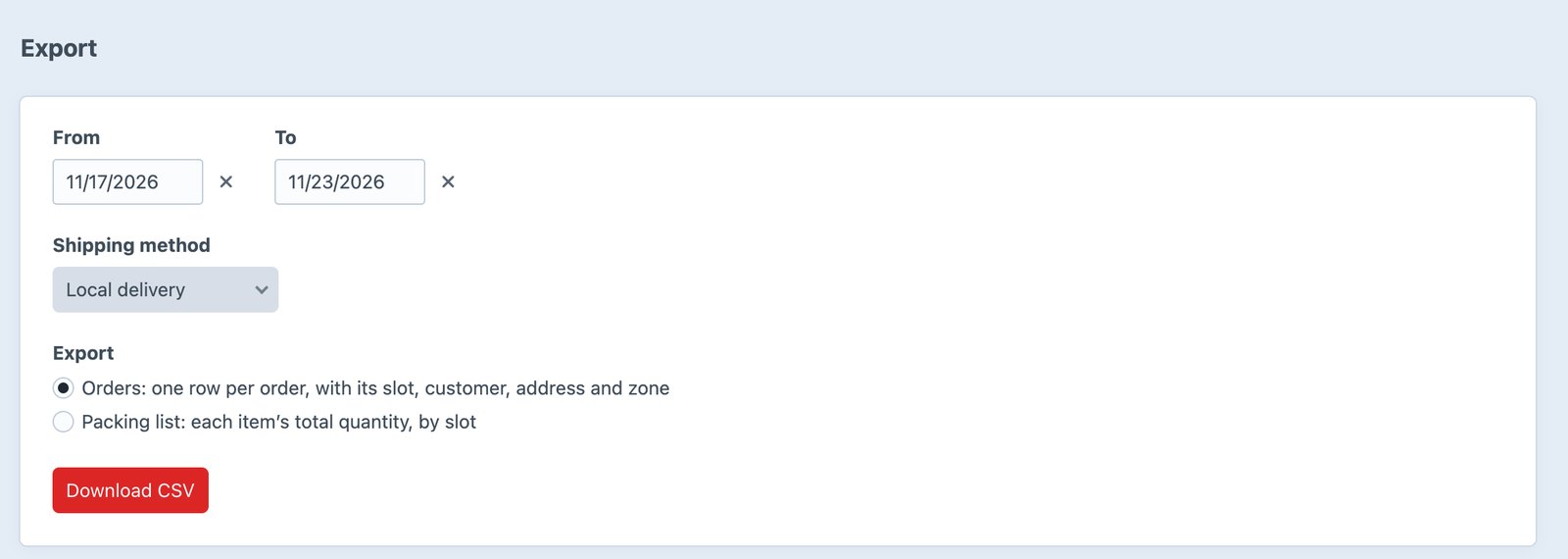
Orders or the packing list as CSV, from the control panel or php craft delivery-slots/export.
The slot comes back in Commerce’s cart JSON, and two actions list and hold slots.
"deliverySlot": {
  "value": "2026-11-17@10:00",
  "label": "Tuesday 17 November,
            10am – 12pm",
  "fee": 0,
  "isBooked": false
}
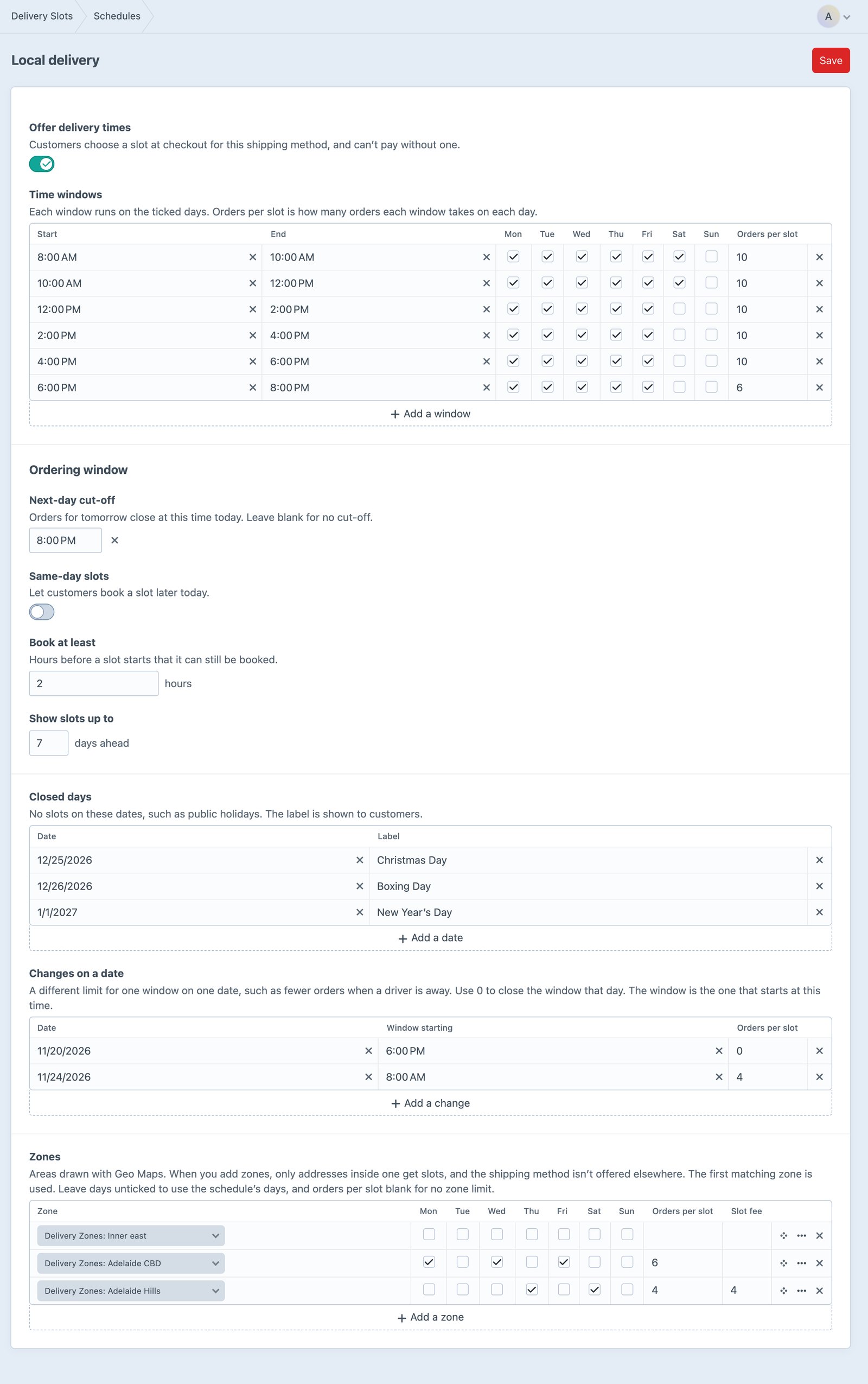
Draw your delivery areas with Geo Maps and give each its own days, order limit and fee. The van goes up to the Hills on Thursdays and Saturdays; the city gets every weekday.
Complete checkout templates you can copy, from a grocer on The Parade, Norwood.
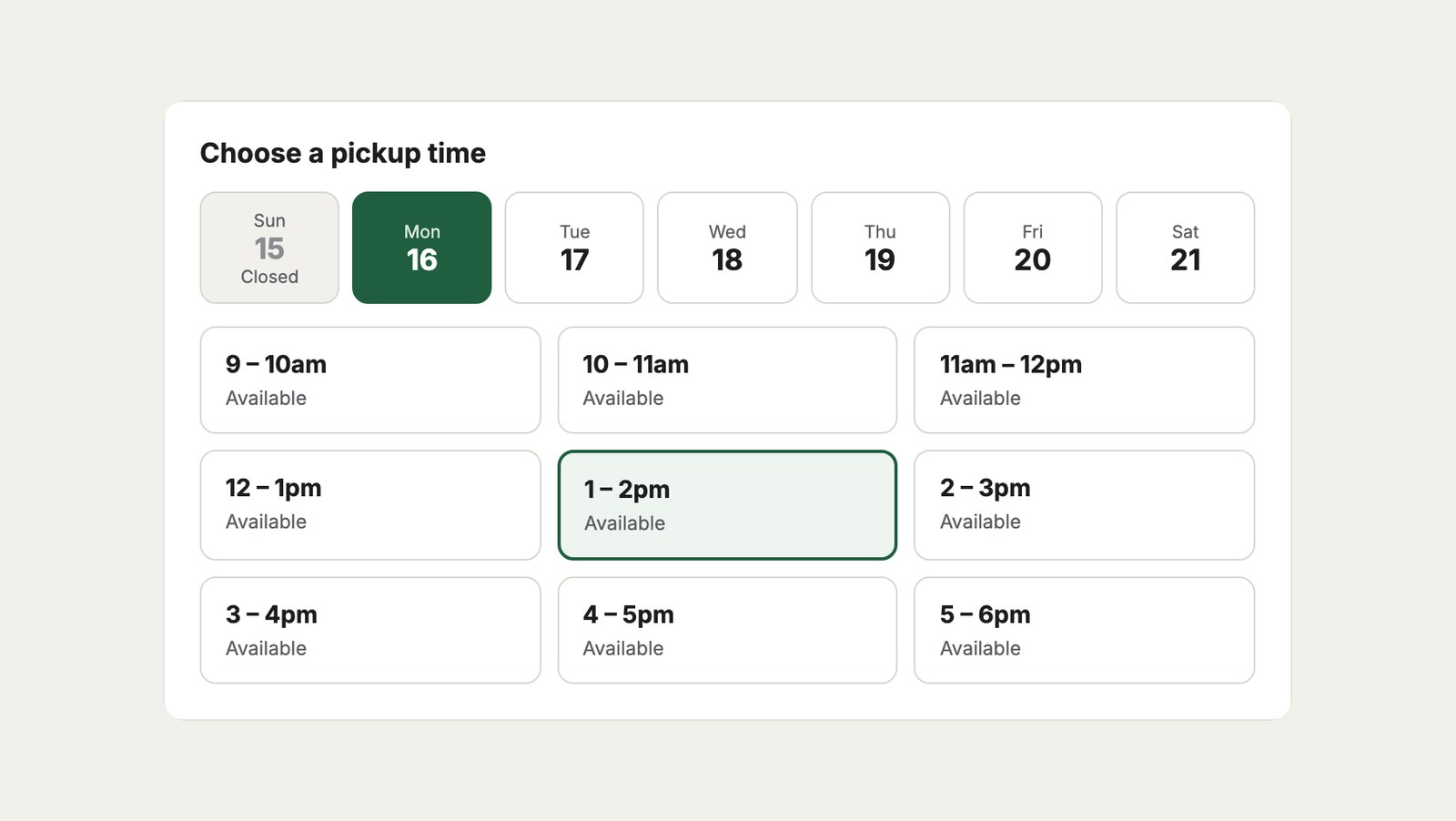
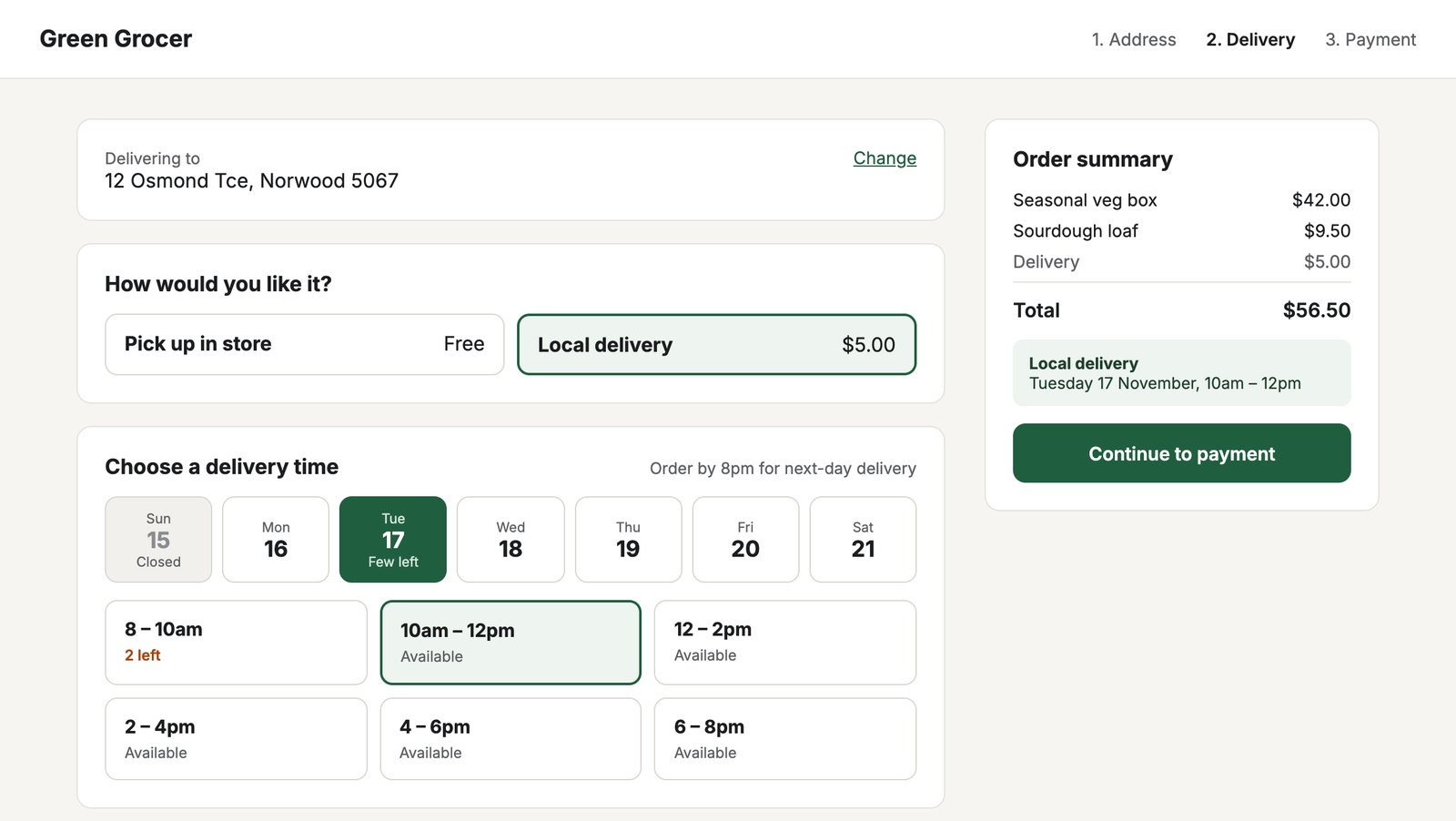 Grocery delivery checkoutDelivery or pickup, a week of days, two-hour slots with places left, and the order summary.
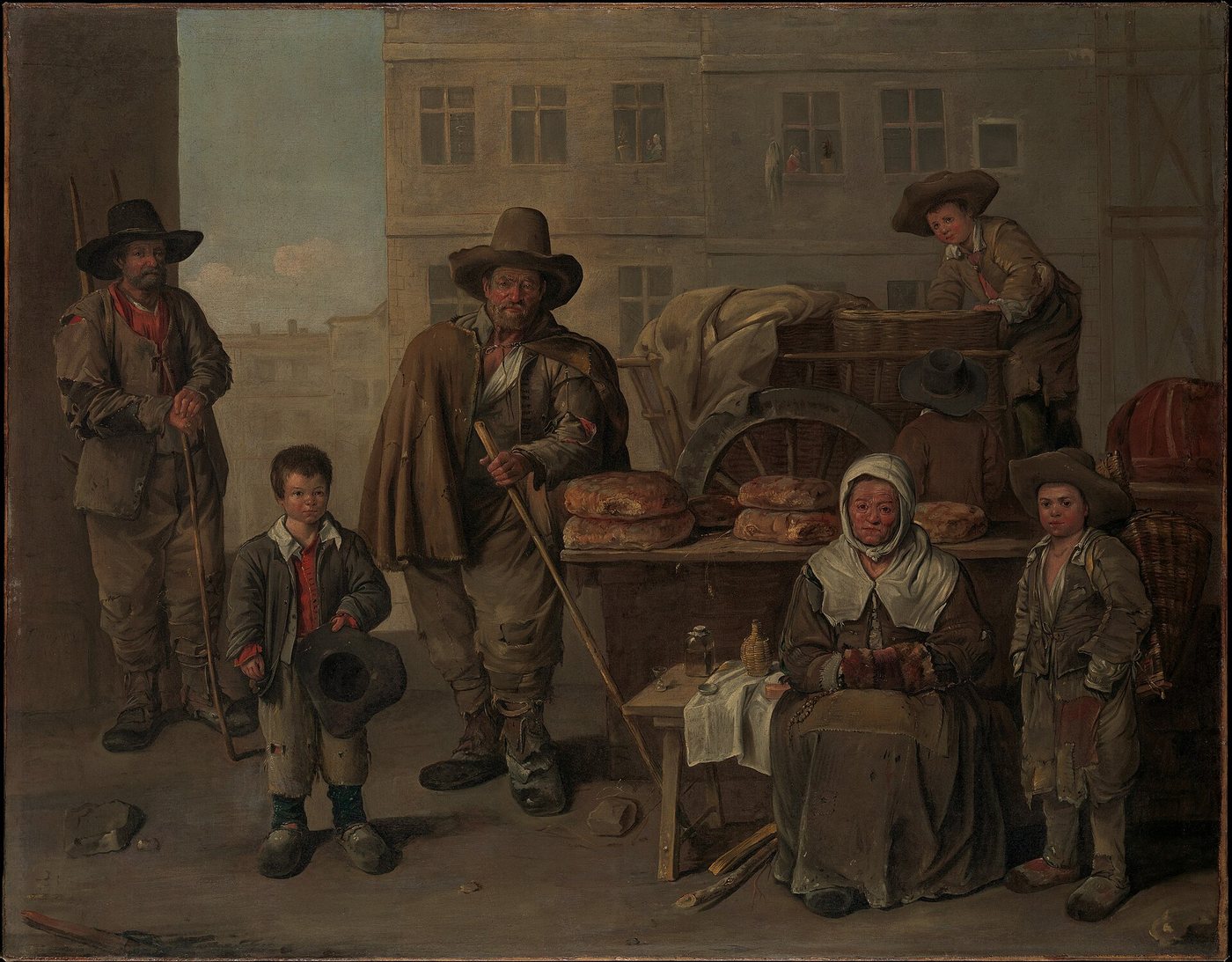
For three hundred years the bread arrived at the same time each morning, and everyone on the street knew when to open the door. Online orders lost that. Delivery Slots gives it back: a time chosen at checkout, and a shop that knows exactly how many orders it can carry.
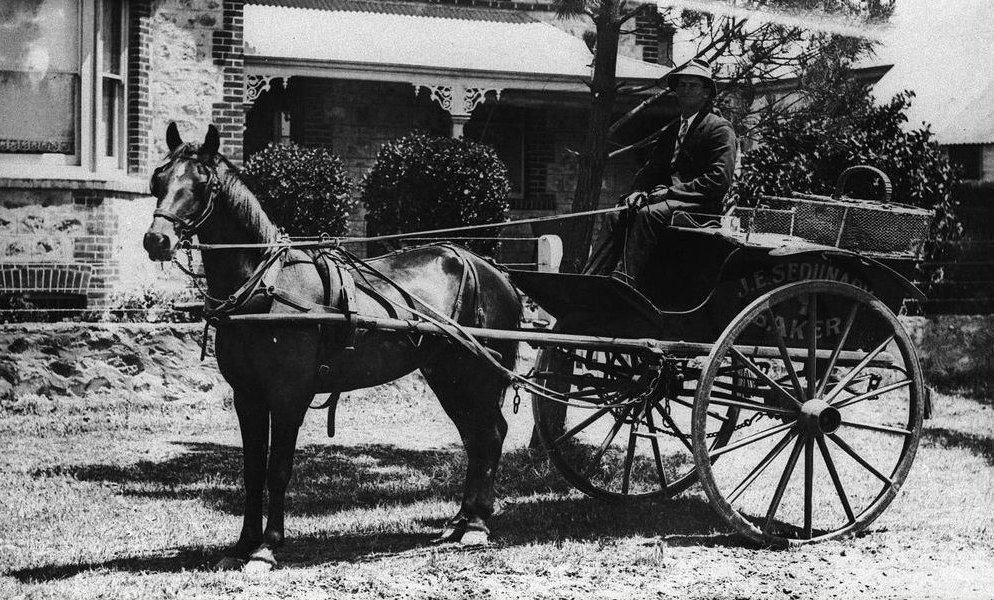
First, install it.
composer require suprim/delivery-slots
php craft plugin/install delivery-slotsThen set the times.
Delivery Slots → Schedules, choose a shipping method, and add its windows, limits and cut-off.
Then add the picker.
{% for day in cart.deliverySlotDays %}
  {% for slot in day.slots %}
    <input type="radio" name="deliverySlot"
      value="{{ slot.value }}">
  {% endfor %}
{% endfor %}composer require suprim/delivery-slots