
Appearance
Click and Collect
Hourly pickup times, from 9am to 6pm, bookable until an hour before. Customers can collect the same day.
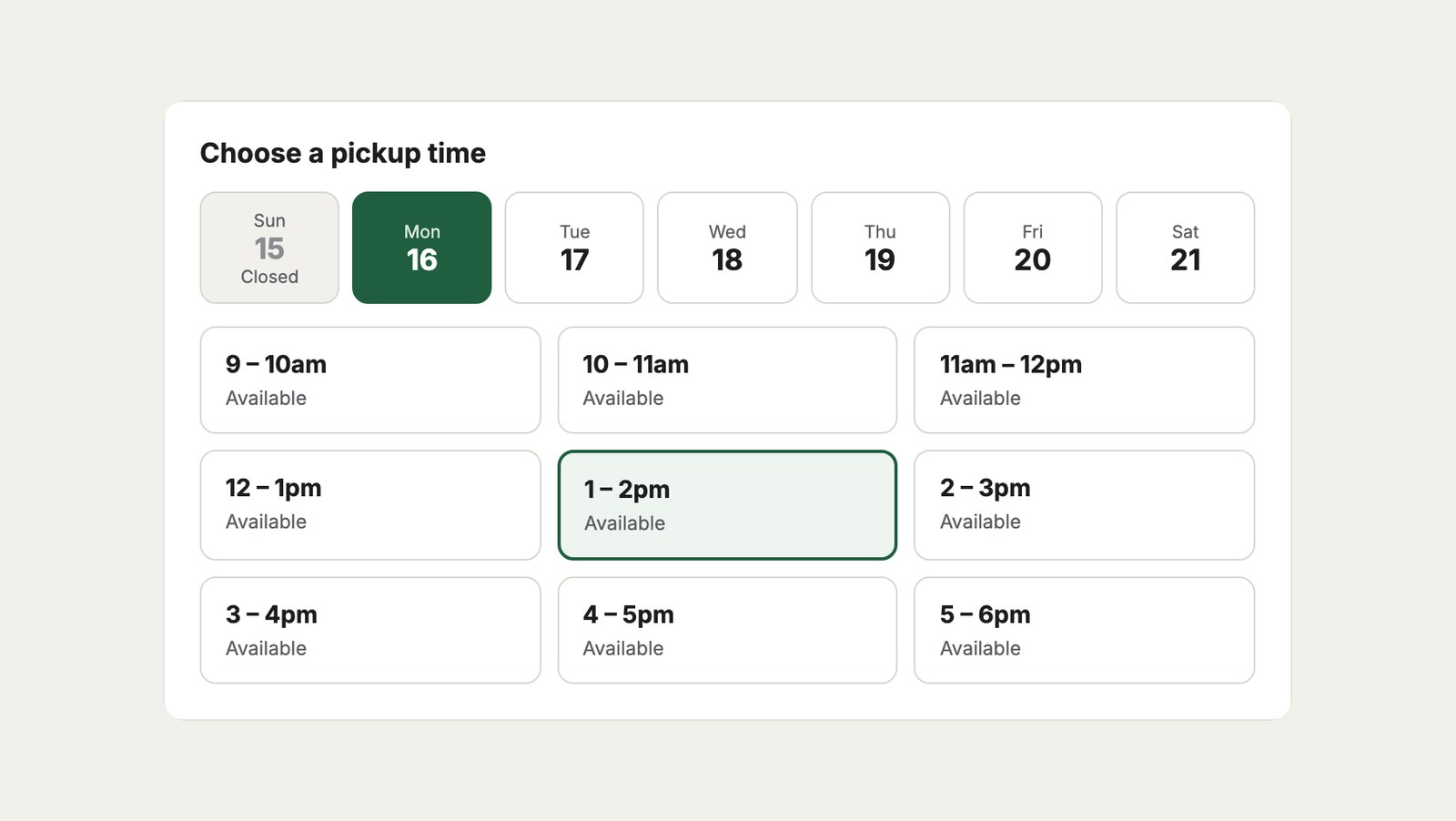
1. The shipping method
In Commerce → Store Management → Shipping Methods, create Pick up in store (handle pickup) with one shipping rule that matches every order and costs nothing.
2. The schedule
In Delivery Slots → Schedules, open Pick up in store:
| Setting | Value |
|---|---|
| Time windows | 9:00–10:00, 10:00–11:00 … 17:00–18:00, Monday to Saturday |
| Orders per slot | 8, or how many orders your staff can pack in an hour |
| Same-day slots | On |
| Book at least | 1 hour |
| Show slots up to | 6 days ahead |
| Closed days | The same public holidays as delivery |
Leave Zones empty: anyone can collect.
3. The template
The grocery delivery checkout shows pickup times when the customer chooses Pick up in store, with a different heading:
twig
<h2>{{ cart.shippingMethodHandle == 'pickup' ? 'Choose a pickup time' : 'Choose a delivery time' }}</h2>The confirmation
Tell customers where and when to collect, on the order confirmation page and in the email:
twig
{% if order.shippingMethodHandle == 'pickup' and order.deliverySlot %}
  <p>
    Collect from <strong>175 The Parade, Norwood</strong>
    on {{ order.deliverySlot.label }}.
    We’ll have it ready at the counter.
  </p>
{% endif %}
Several stores
For pickup from more than one store, create a shipping method per store, such as Pick up in Norwood and Pick up in Glenelg, each with its own schedule and opening hours. Customers choose the store by choosing the method.